
Managing a single WordPress website is a straightforward task, but scaling to a portfolio of 30 or more sites transforms the challenge from basic maintenance into a complex engineering exercise.
As an agency lead or a prolific site owner, you likely recognize that the traditional methods of handling one site at a time—or relying on entry-level shared hosting platforms—are fundamentally broken.
To thrive at this scale, you must shift your mindset from manual site management to professional, managed hosting orchestration.
This guide outlines how to leverage Cloudways to build a robust, scalable Cloud Hosting architecture that ensures performance, security, and administrative efficiency for high-density WordPress operations.
- Shift from Manual Updates to Automation: Transitioning to centralized orchestration eliminates the friction of managing plugin updates, backups, and security patches individually across 30+ sites.
- Eliminate Shared Hosting Bottlenecks: Legacy shared environments leak server resources between accounts; managed cloud hosting ensures dedicated resource distribution for consistent site speed.
- Optimize High-Density Server Architecture: Fine-tuning server-level caching, PHP process pools, and NVMe storage allows a single server to handle high concurrent traffic across dozens of domains without crashing.
- Offload Edge Security & CDNs: Implementing global firewalls and edge-caching networks (like Cloudflare) filters out malicious bot traffic before it ever consumes your primary cloud server resources.
- Maximize Profit Margins: Consolidating client sites onto a high-density managed cloud setup dramatically reduces per-site infrastructure costs while maintaining enterprise-grade performance.
Why 30+ Sites Requires a Different Architectural Approach
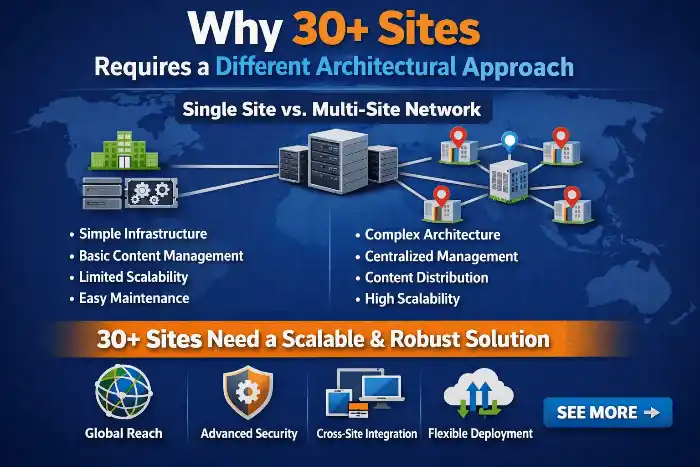
When you operate 30+ websites, technical debt accumulates exponentially if each site is treated as an isolated island.
You face a “fragmentation trap” where disparate security settings, outdated PHP versions, and inconsistent caching configurations create a nightmare for troubleshooting.
A scalable approach demands total standardization.
By centralizing your operations, you reduce the time spent on repetitive tasks, allowing you to focus on growth rather than constant, manual “firefighting” across your fleet.
Architectural consistency is the difference between a scalable business and a failing one.
The Limitations of Shared Hosting Platforms for High-Volume Portfolios
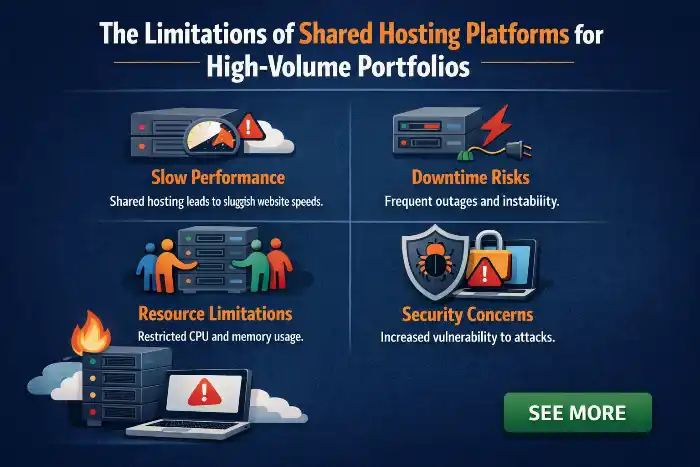
Traditional shared hosting platforms are designed for single-site owners.
Their resource allocation models often suffer from “noisy neighbor” syndrome, where a traffic spike on one user’s site degrades the performance of every other site on the physical server.
When hosting 30+ sites, you require predictable resource isolation.
Unlike the restrictive environment of WP Engine or other entry-level hosts, Cloudways provides the flexibility to modify server-level configurations.
As an example custom Nginx rules or SQL command execution—which are critical for maintaining high performance across a large, diverse set of WordPress installations.
| Traditional Shared Hosting | Managed Cloudways Architecture |
| Noisy Neighbor Vulnerability Traffic spikes on external sites degrade your whole server’s performance. | Predictable Resource Isolation Dedicated server resources protect your 30+ sites from outside traffic interference. |
| Restrictive Configurations Entry-level hosts restrict access to server settings and database commands. | Full Server-Level Flexibility Complete freedom to deploy custom Nginx rewrite rules and execute raw SQL queries. |
| Rigid Monolithic Plans Built for single-site owners with artificial limits on scaling and optimization. | High-Density Orchestration Engineered for high-density site portfolios with full control over system architecture. |
Evaluating Cloud Providers: DigitalOcean, Vultr High Frequency, and Google Cloud Platform
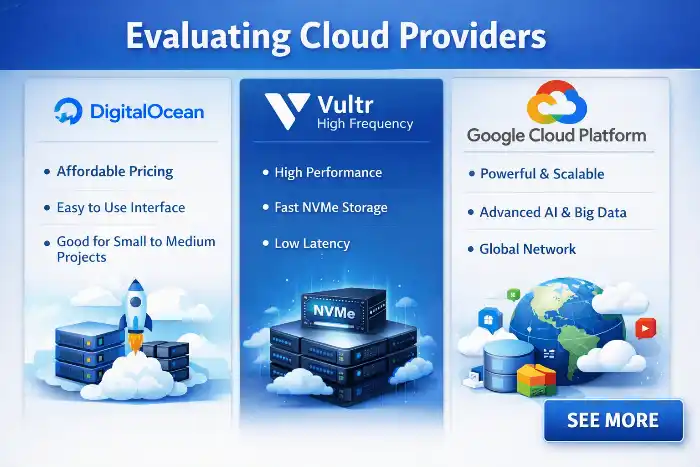
Cloudways acts as a powerful middleware layer over elite infrastructure providers.
For a 30-site portfolio, the hardware choice is paramount.
Digital Ocean remains the industry standard for balanced, cost-effective workloads.
For performance-intensive applications, Vultr High Frequency servers—equipped with NVMe storage—are superior for sites requiring rapid database interaction.
If your portfolio includes enterprise-grade applications, the Google Cloud Platform (GCP) offers unparalleled regional redundancy and horizontal scalability.
The goal is to select an infrastructure that matches your total expected IOPS rather than just counting RAM modules.
- DigitalOcean for Cost-Effective Workloads: Deploy standard multi-site portfolios on DigitalOcean for a reliable, balanced balance of price and daily performance.
- Vultr High Frequency for Dynamic Sites: Choose Vultr HF servers with NVMe storage for rapid database reads, ideal for resource-heavy WooCommerce or dynamic portals.
- Google Cloud Platform (GCP) for Enterprise Scale: Upgrade to GCP when your site portfolio demands maximum horizontal scalability and multi-region redundancy.
- Prioritize IOPS Over RAM Alone: Select cloud infrastructure based on total disk input/output performance (IOPS) rather than relying strictly on gigabytes of memory.
- Leverage Cloudways Managed Middleware: Manage top-tier cloud providers through a single unified interface without handling raw server administration manually.
Calculating RAM and CPU Requirements for Application Density
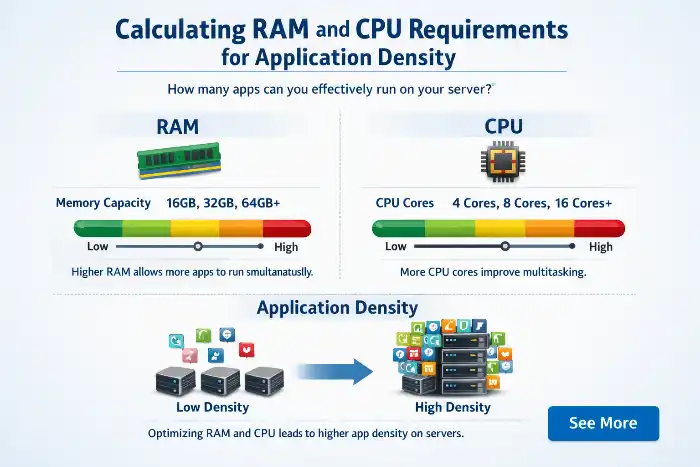
Application density defines how many sites a single server can host before performance decays.
For 30 sites, start with a server offering at least 8GB of RAM and a quad-core CPU. This headroom is necessary for background processes, such as scheduled crons, database backups, and concurrent plugin updates.
Under-provisioning leads to MySQL timeouts and intermittent crashes, which erode trust.
If you are managing a travel blog network or the digital assets of an organization like A Rocha Portugal, consistent uptime is a business requirement, not a luxury.
Why NVMe Storage and High-Frequency Processors Matter for WordPress
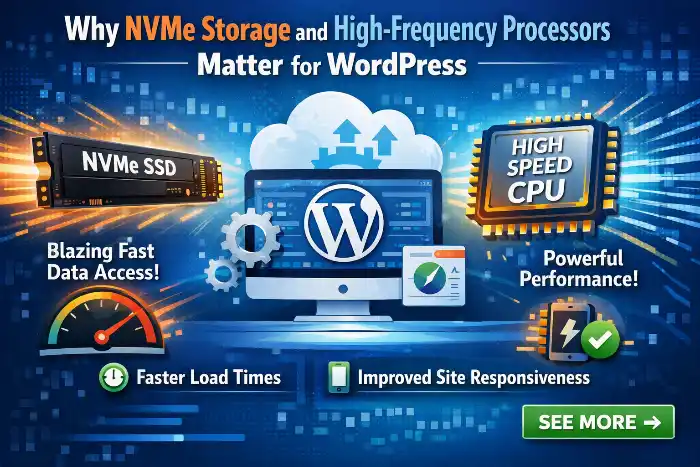
WordPress is inherently database-heavy.
Every page load triggers multiple SQL queries.
By utilizing high-frequency processors and NVMe storage, you drastically reduce the “Time to First Byte” (TTFB).
In a high-density environment, these hardware advantages allow the CPU to process PHP requests rapidly and the disk to read data without bottlenecks, ensuring that all 30 sites remain snappy even during simultaneous visitor spikes.
| Hardware Component | Server Optimization Action | Operational Benefit |
| High-Frequency CPU | Process complex PHP requests rapidly | Eliminates query execution delays and keeps TTFB extremely low. |
| NVMe Storage | Deliver high-speed disk read/write throughput | Removes database storage bottlenecks during simultaneous site requests. |
| Database Offloading | Resolve SQL query queues immediately | Prevents overall server slowdowns when multiple sites experience concurrent traffic spikes. |
Creating Your “Gold Master” WordPress Image

The “Gold Master” concept is your greatest defense against configuration drift.
Create a base WordPress image that includes your agency’s preferred security tools, performance suite, and standard child theme settings.
By keeping this master copy updated and using it as the source for all new deployments, you ensure every site in your portfolio starts with an identical, high-performance foundation.
Standardizing Your Stack: Essential Themes and Plugins
Fragmentation is the enemy of efficiency. Standardize your stack by choosing a core set of reliable themes and plugins.
By limiting the variety of tools across your 30 sites, you gain the ability to troubleshoot faster.
When a security vulnerability is announced, a standardized stack allows you to patch your entire fleet within minutes rather than investigating 30 different configurations.
How to Clone and Deploy New Applications in Minutes

Cloudways’ “Application Cloning” feature is essential for portfolio managers.
Instead of performing a fresh install, you simply clone your Gold Master.
This process copies the codebase, database, and configurations in minutes.
This agility is what separates professional portfolio managers from those bogged down by manual setup workflows.
Optimizing PHP-FPM Settings for Multiple Concurrent Requests
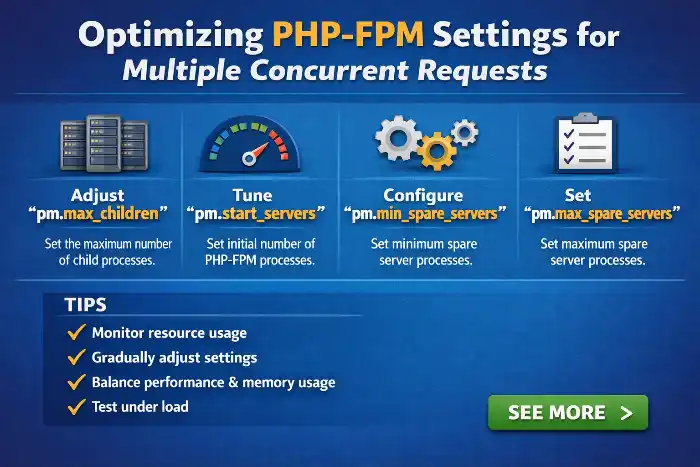
In a server hosting 30 sites, default PHP-FPM pool settings are rarely optimal.
You must adjust worker processes to prevent the server from running out of threads during traffic spikes.
By tuning the pm.max_children and pm.start_servers parameters, you ensure that concurrent requests are handled smoothly, preventing the “503 Service Unavailable” errors that occur when the web server is overwhelmed.
- [ ] Switch Process Manager to
ondemand: Ensure pool settings free up system memory by terminating idle worker threads across unused sites. - [ ] Calculate Total Available Memory: Subtract OS and database RAM requirements from overall server capacity before assigning values to worker pools.
- [ ] Benchmark Single-Process Footprint: Determine the average RAM consumed by a single PHP worker on your specific WordPress setup (typically 30MB–80MB).
- [ ] Cap
pm.max_childrenPer Site: Restrict max workers to 2–5 per application to prevent a single site from exhausting server memory during a traffic surge. - [ ] Set
pm.start_servers&pm.min_spare_servers: Balance initial worker creation to handle immediate request bursts without causing boot delays. - [ ] Configure
pm.max_requests: Set worker recycling thresholds (e.g., 500 requests) to clean up residual memory leaks automatically. - [ ] Stress Test for 503 Errors: Simulate concurrent traffic spikes across multiple domains to verify zero process queue drops or service unavailable failures.
Implementing Redis and Object Cache Pro for Database Efficiency
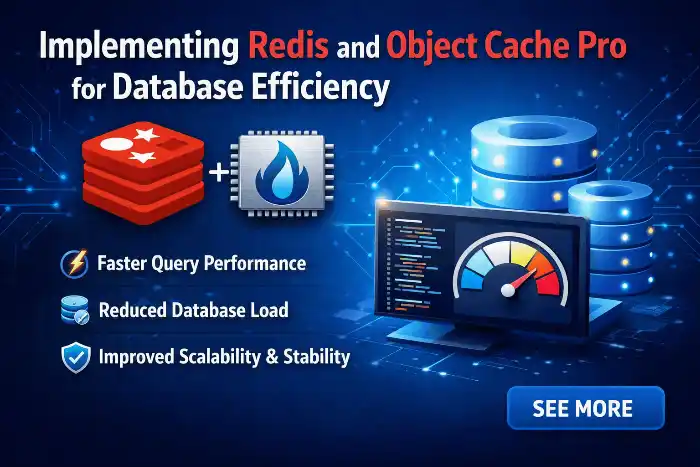
Database hits are the silent killer of WordPress performance. Implementing Redis object caching acts as a buffer between WordPress and MySQL.
By storing frequently accessed queries in memory, you prevent the server from repeatedly querying the disk.
Combined with Object Cache Pro, this setup dramatically lowers CPU load, allowing you to host more sites on a single server without sacrificing speed.
Configuring Varnish and Nginx for Optimal Page Load Speed
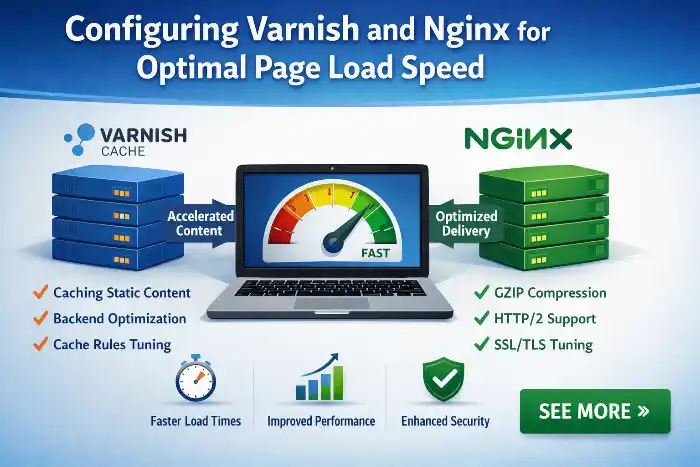
Varnish is a powerful HTTP accelerator that serves pages directly from memory.
Configuring Varnish correctly allows you to offload the heavy lifting from Nginx.
When combined with smart caching rules, you can serve static assets with near-instantaneous speed, providing a superior user experience that improves SEO rankings across your entire domain portfolio.
- Serve Pages Directly from RAM: Load static HTML and assets straight from system memory for near-instant response times.
- Offload Web Server Processing: Reduce CPU utilization on Nginx by intercepting repetitive HTTP requests before they hit your core web server.
- Configure Custom Edge Caching Rules: Fine-tune cache exclusion and TTL policies to ensure static assets stay cached while dynamic pages bypass safely.
- Boost Site-Wide SEO Scores: Improve Core Web Vitals (specifically TTFB and LCP) across your entire domain portfolio to earn better Google search rankings.
- Deliver Superior User Experience: Provide sub-second page load speeds for visitors, lowering bounce rates and driving higher engagement.
Utilizing OpenLiteSpeed for High-Traffic Scenarios
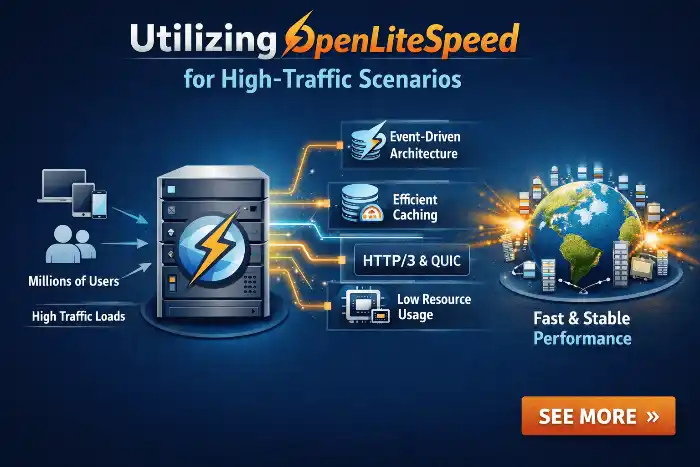
If your 30+ sites include high-traffic portals or WooCommerce stores, consider switching your server to the OpenLiteSpeed stack.
OpenLiteSpeed provides built-in, efficient caching mechanisms that often outperform traditional Nginx configurations for dynamic content, providing significant performance gains without complex server-side modifications.
- Switch to OpenLiteSpeed for Dynamic Traffic: Replace traditional setups with OpenLiteSpeed to drastically boost speed for resource-heavy WooCommerce stores and active membership sites.
- Leverage Native LSCache Processing: Utilize built-in LiteSpeed Cache to handle complex page generation and database queries directly at the web server level.
- Outperform Standard Nginx Configurations: Deliver faster response times for dynamic, non-cacheable pages compared to standard Nginx and Apache environments.
- Simplify Server-Side Management: Gain enterprise-level dynamic performance without needing complex custom rewrite rules or manual server tweaks.
- Scale Concurrent Shoppers Efficiently: Process high volumes of concurrent checkout sessions and user interactions without overloading CPU resources.
Managing PHP Versions Across Your Entire Server
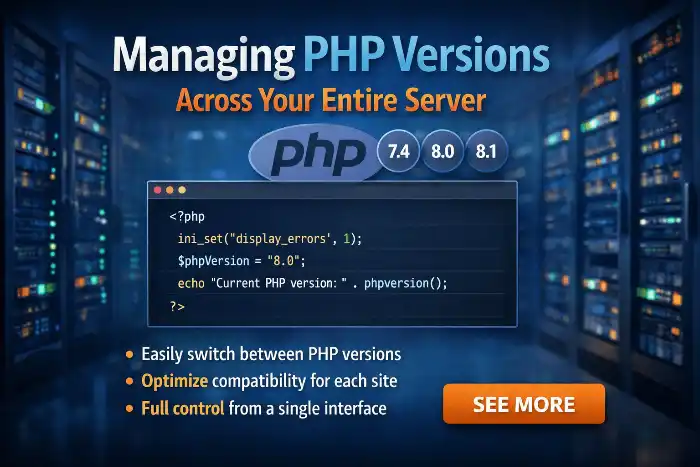
PHP lifecycle management is a recurring headache.
Cloudways allows for one-click updates, but when managing 30 sites, you must test compatibility before pushing a global change.
Utilize the staging environment to run test suites on your most complex site before rolling out a new version to the entire production server.
Centralized Update Strategies: Using Git Deployment for Theme and Plugin Syncing
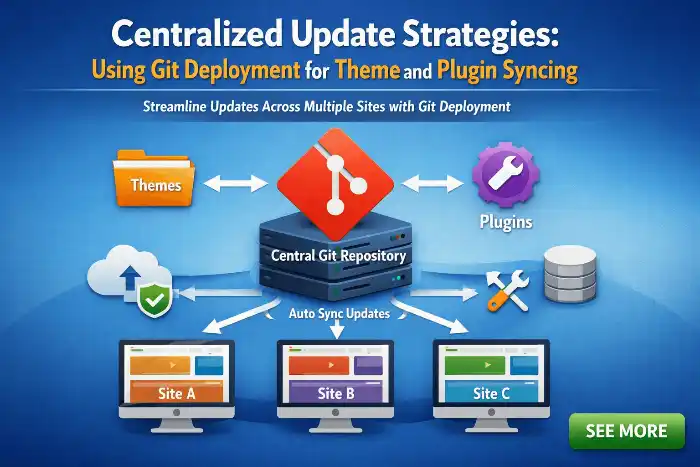
Stop updating plugins manually.
Use Git deployment to synchronize your code across multiple environments.
By pushing updates to a central repository, you can deploy the same code changes to all sites simultaneously.
This prevents the manual repetition that leads to human error and ensures your entire portfolio is always running the latest, most secure version of your code.
Leveraging the Cloudways API for Automated Management
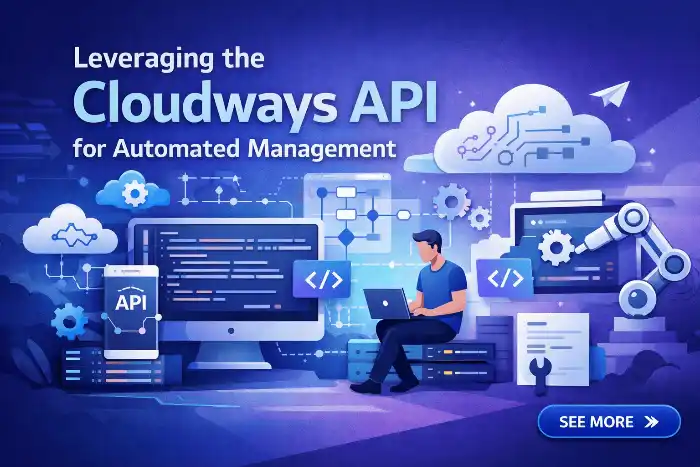
For those managing 30+ sites, the Cloudways API is a game-changer.
You can script routine tasks—such as triggering backups, clearing server-wide caches, or checking server health—directly through CLI tools.
Automating these administrative overheads means your team spends less time in the dashboard and more time building value for your sites.
| Automation Category | Cloudways API / CLI Action | Operational Benefit |
| Backup Management | Script automated, multi-site server and application backups | Eliminates manual dashboard backup routines across your entire portfolio. |
| Cache Management | Flush server-wide Varnish and Redis caches automatically | Resolves dynamic content staleness without logging into individual site admins. |
| Health Monitoring | Track CPU, RAM, and disk utilization via automated scripts | Provides instant alerts on server stress before it impacts live client traffic. |
| Fleet Operations | Trigger bulk tasks and deployment workflows via terminal | Reduces administrative overhead so your team focuses on high-value development. |
Implementing a Unified Firewall Strategy with Cloudflare Enterprise
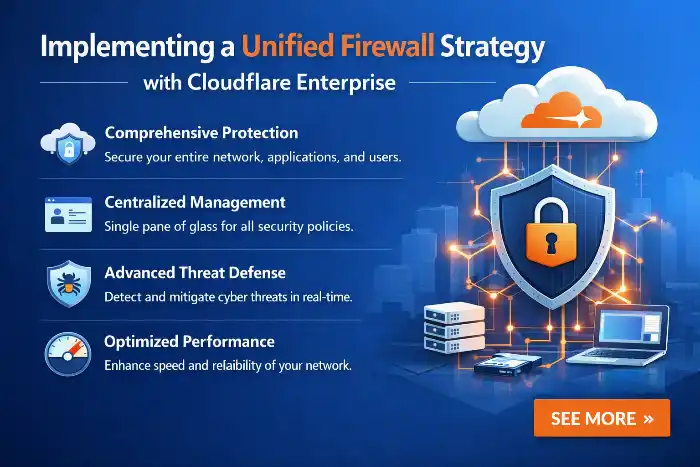
Security should not be handled on a site-by-site basis.
By utilizing the Cloudways integration with Cloudflare, you apply a global firewall to your entire fleet.
This allows you to block online attacks, enable WAF rules, and mitigate DDoS incidents, often using a Cloudflare Ray ID to trace requests.
This security solution is essential for maintaining a clean, performant network.
- Deploy Centralized Protection: Enforce fleet-wide security across all sites simultaneously via integrated Cloudflare rather than configuring individual plugins site by site.
- Filter Edge Traffic with WAF: Block malicious requests, SQL injections, and zero-day threats before they ever touch your primary Cloudways server resources.
- Mitigate DDoS Attacks Automatically: Shield your entire site portfolio against large-scale traffic spikes and distributed denial-of-service attempts without server downtime.
- Track Threats via Ray IDs: Trace specific blocked or flagged web requests across your network using unique Cloudflare Ray IDs for rapid troubleshooting.
- Preserve Network Performance: Offloading security processing to edge servers keeps your primary server resources clean and dedicated strictly to legitimate traffic.
Automating SSL Certificates via Let’s Encrypt

In a 30+ site environment, manual management is unacceptable.
Use the built-in Let’s Encrypt integration to automate the issuance and renewal of every SSL certificate.
This ensures that every site in your portfolio remains encrypted and compliant without manual intervention, preventing those dreaded browser security warnings.
Bot Protection and Preventing Cross-Site Contamination
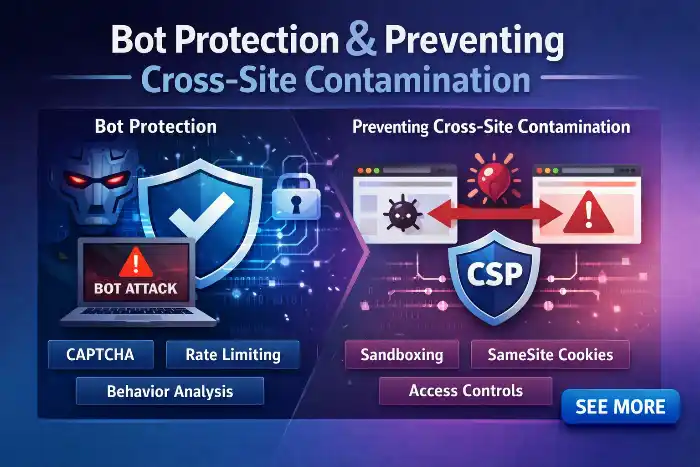
Security isolation is vital. Ensure that each site uses unique, strong credentials for MySQL and SFTP.
If one site is compromised, you must prevent the attacker from moving laterally.
Implement file permission hardening and use a robust security service to filter out malformed data.
Cloudways’ built-in features, such as bot protection, help filter the noise and block bad actors before they exploit vulnerabilities.
| Security Layer | Key Action | Operational Benefit |
| Access Isolation | Assign unique, strong credentials for MySQL and SFTP per site | Prevents lateral movement across the server if a single site is compromised. |
| File Hardening | Enforce strict file permissions (644 for files, 755 for directories) | Blocks unauthorized scripts from editing core WordPress system files. |
| Traffic Filtering | Enable Cloudways Bot Protection and edge-level Web Application Firewall | Filters malformed requests and blocks malicious actors before server impact. |
Managing SSH/SFTP Access and MySQL Credentials Safely
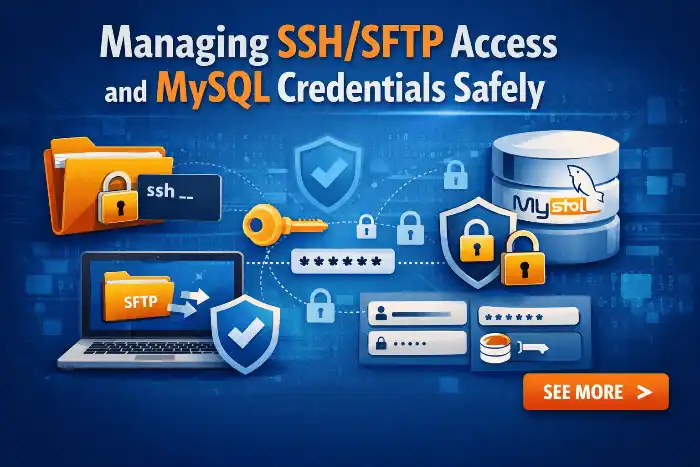
Centralize your credential management using secure vault solutions.
Never reuse passwords across sites.
With Cloudways, you can manage specific SSH access keys for team members, ensuring that only authorized individuals can modify the server’s file system, further reducing the attack surface of your portfolio.
Creating One-Click Staging Sites for Risk-Free Updates
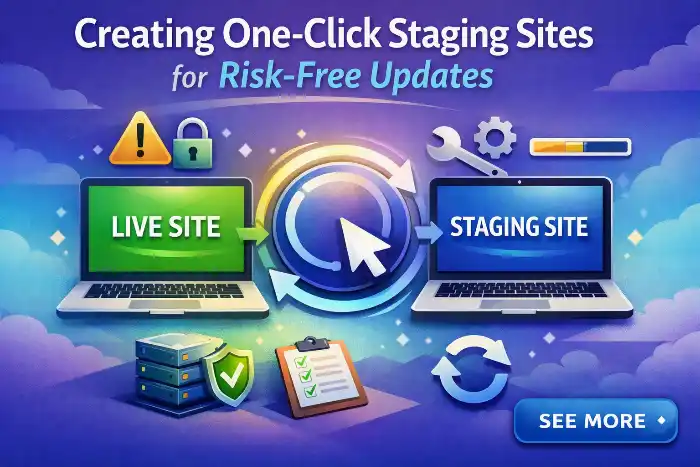
Never push updates directly to a live environment.
Cloudways provides a one-click staging tool that creates an exact replica of your production site.
Use this to test major plugin updates, theme changes, or code modifications.
Once verified, you can merge changes back to production, ensuring your Page Load Speed and stability remain unaffected by experimental updates.
Moving Changes from Staging to Production Without Downtime
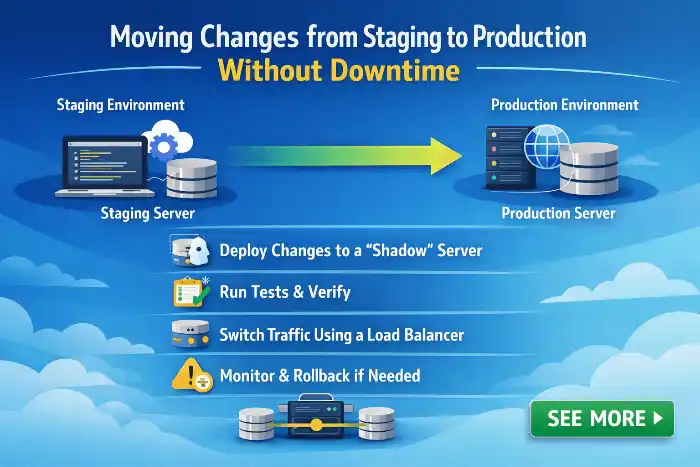
When deploying updates from staging, utilize the “Push to Live” feature.
This ensures that your production environment remains stable while you finalize changes in a safe sandbox.
By maintaining this staging-to-production workflow for every single site, you build a resilient environment where an error on one site is isolated and easily reversible.
| Staging Workflow Phase | Key Action | Operational Benefit |
| Sandbox Testing | Finalize design & plugin updates in isolation | Prevents unverified code or errors from impacting live production sites. |
| Deployment | Utilize Cloudways “Push to Live” feature | Ensures seamless, single-click updates while maintaining site uptime. |
| Risk Isolation | Maintain 1-to-1 staging environments for all 30+ sites | Keeps errors localized to a single sandbox, enabling fast, easy rollbacks. |
Using Cloud Hosting Snapshots for Fleet-Wide Backups
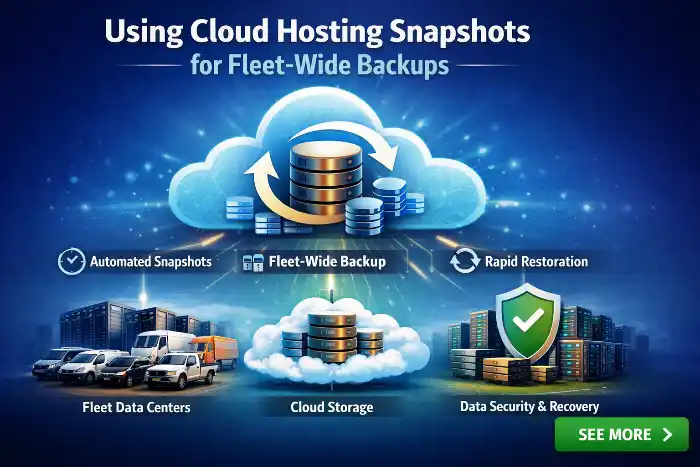
Finally, rely on automated snapshots.
Cloudways allows you to schedule daily backups, but you should also trigger manual snapshots before any major structural change.
In the event of a catastrophic failure, these snapshots allow you to roll back your entire server configuration to a known-good state, ensuring total business continuity.
Conclusion

Managing a portfolio of 30+ WordPress sites is no longer a matter of luck; it is a matter of architecture.
By leveraging the power of Cloudways, you move from a fragmented, high-risk model to a streamlined, performance-optimized system.
Through the use of Gold Master blueprints, centralized Git deployment, and rigorous staging workflows, you can provide enterprise-level reliability for your entire fleet.
Remember that managed hosting is not a “set-and-forget” task; as the site owner, you must remain vigilant regarding DNS records and server health.
By adopting this professional framework, you ensure that your portfolio remains fast, secure, and ready to scale well beyond 30 sites.
